






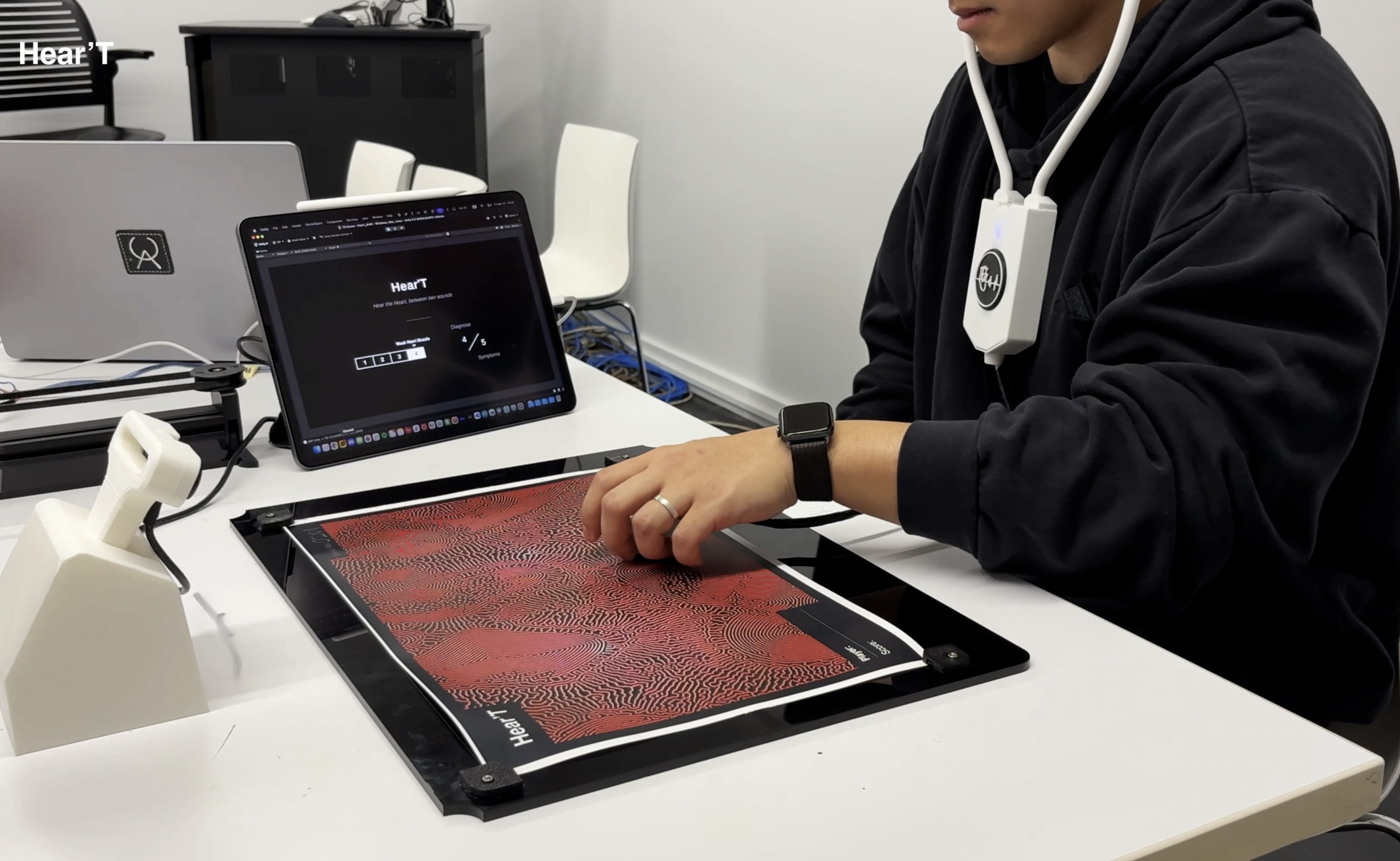
Project Description
Hear the heart, between two sounds
The player uses a digital stethoscope as a controller to listen to heart murmurs and diagnose the type and location of the symptoms. It also offers a new experience about the standards of information and accessibility in medical diagnosis by using both real heart murmurs and converted heart murmurs.
Description Video
Jess Marcotte describes Queering Control(ler) as reorienting the standards of standardized control(ler) and looking at existing systems and standards from a new perspective.
Based on this idea, we built our own definition of queering controller.
Rearranging the standard by which the power/authority to collect and interpret information are distributed.
Full Gameplay
Tech Process
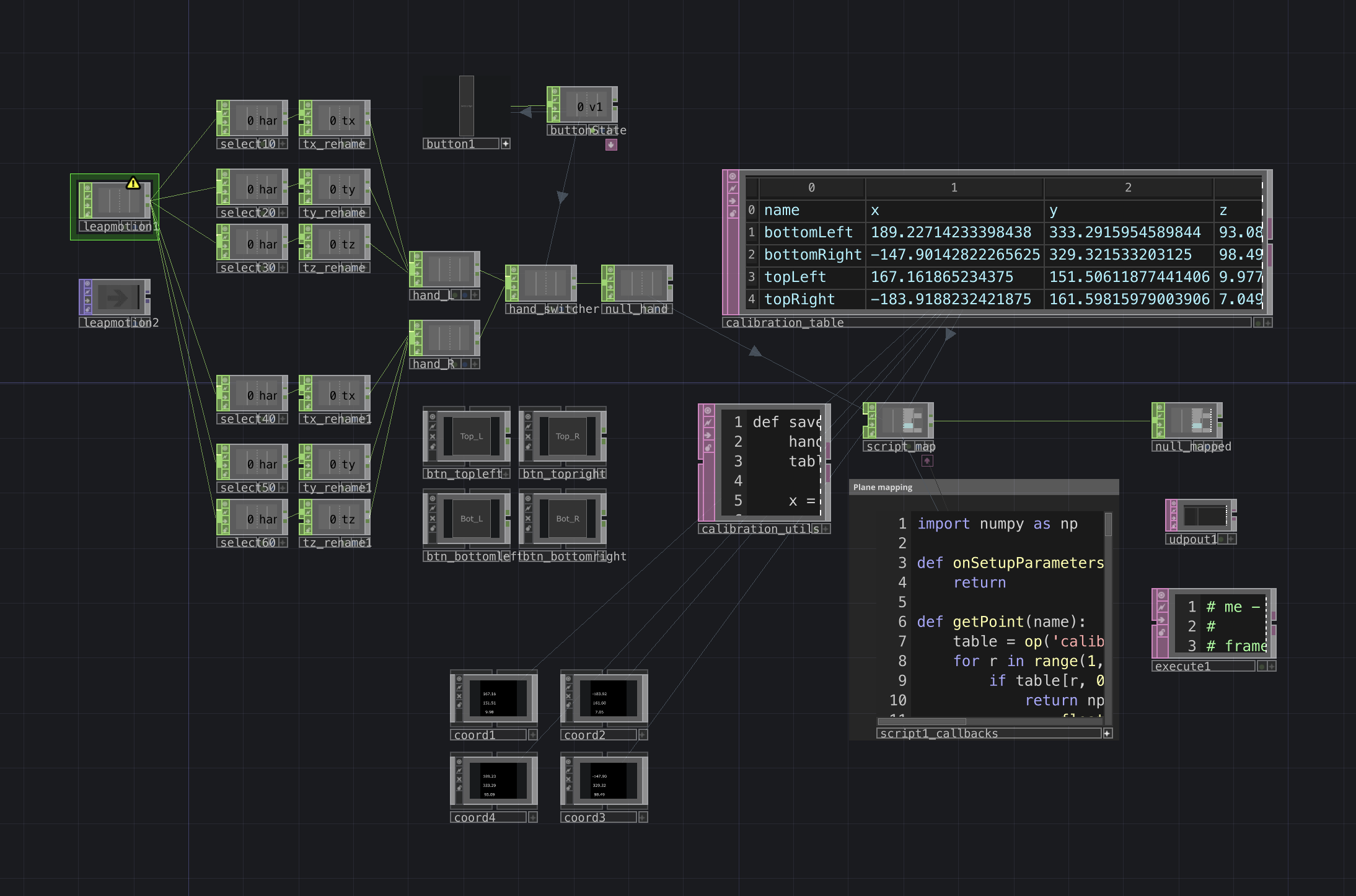
Leapmotion 2, TD, Unity
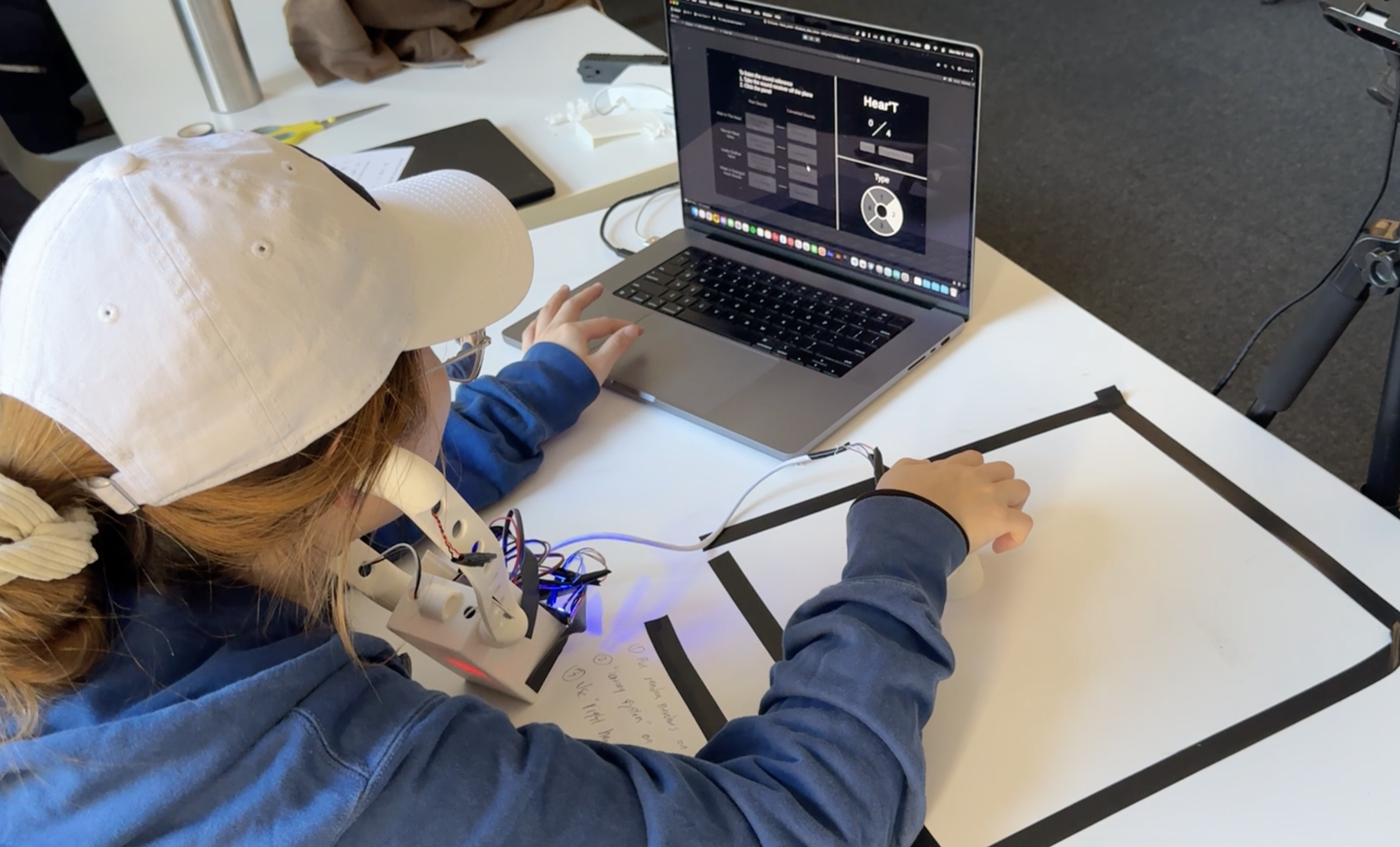
I used Leapmotion 2 for hand tracking, and the data was managed in TouchDesigner. With Python, created a plane using 4 coordinate points as vertices and identified where the current hand position exists on that plane. The coordinate values were then sent to Unity through UDP and used for the movement of the player object.
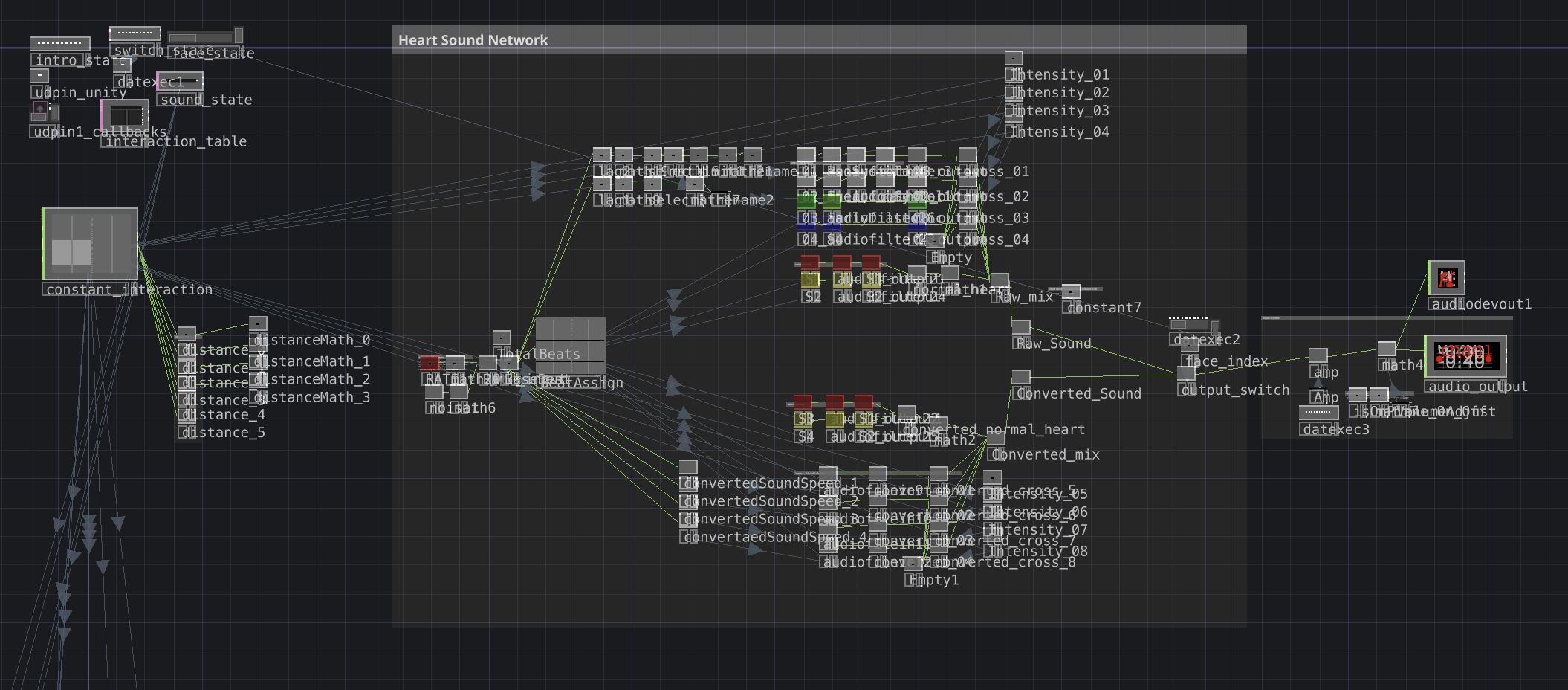
Sound engineered by Mick Griffin & Structure refined by Minkyu Kim
Heart Beat Sound Network
To create the heart sounds in Touchdesigner, we first needed to understand the structure of heart sounds. Heart sounds are made up of S1, S2, S3, and S4. S1 and S2 form the main structure of a normal heartbeat. When there is a problem in the heart, a murmur appears between S1 and S2, or at points such as S3 and S4. We designed the system to send out a pulse in 8 beats and cross the assigned murmur sound according to the detected symptom. When the player object in Unity gets close to a symptom object, Unity sends the type of symptom and the distance to Touchdesigner through UDP, which determines which symptom sound should be played and how strong it should be.
Prototype & Playtest
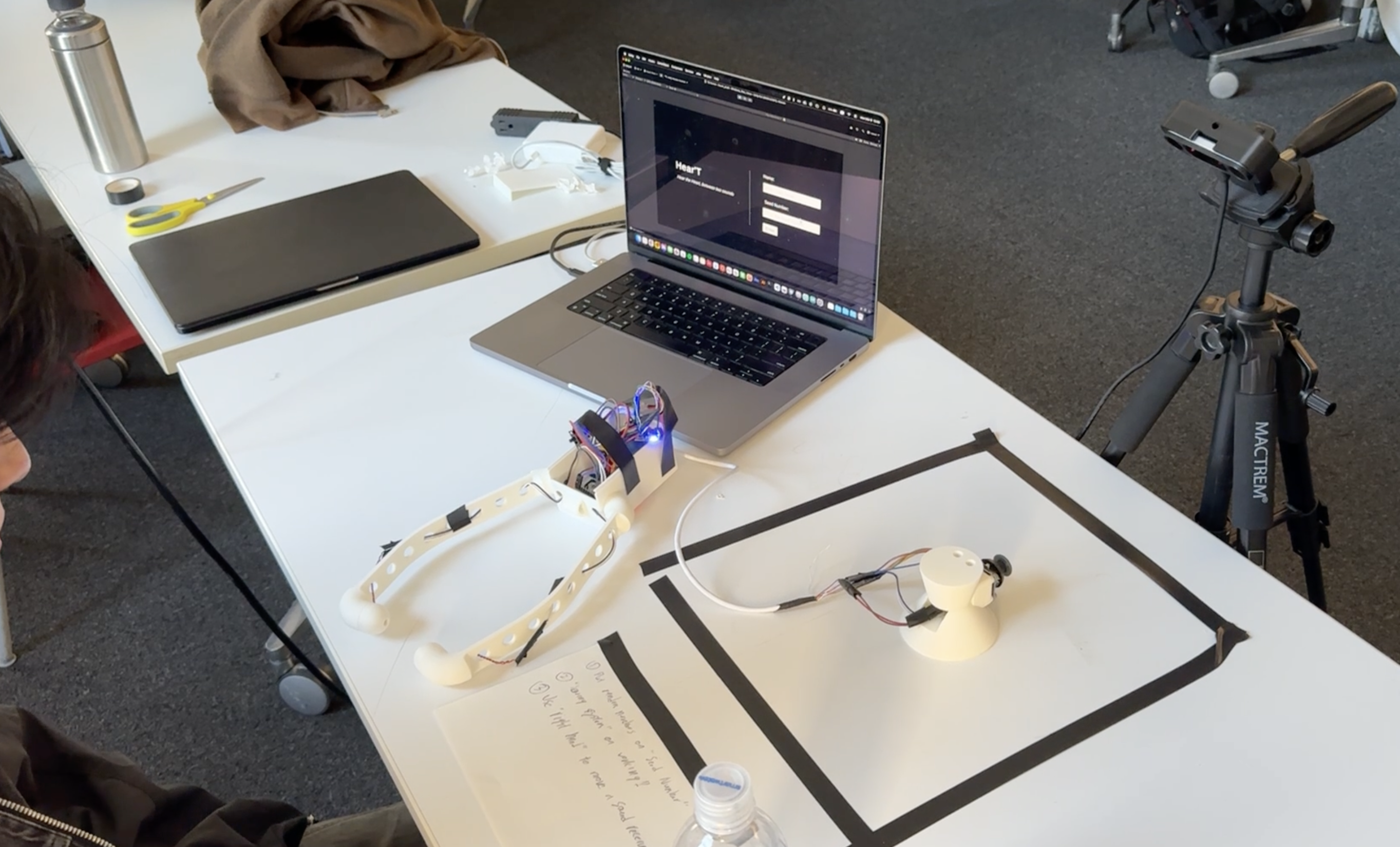
1st Prototype & Playtest
Final Prototype
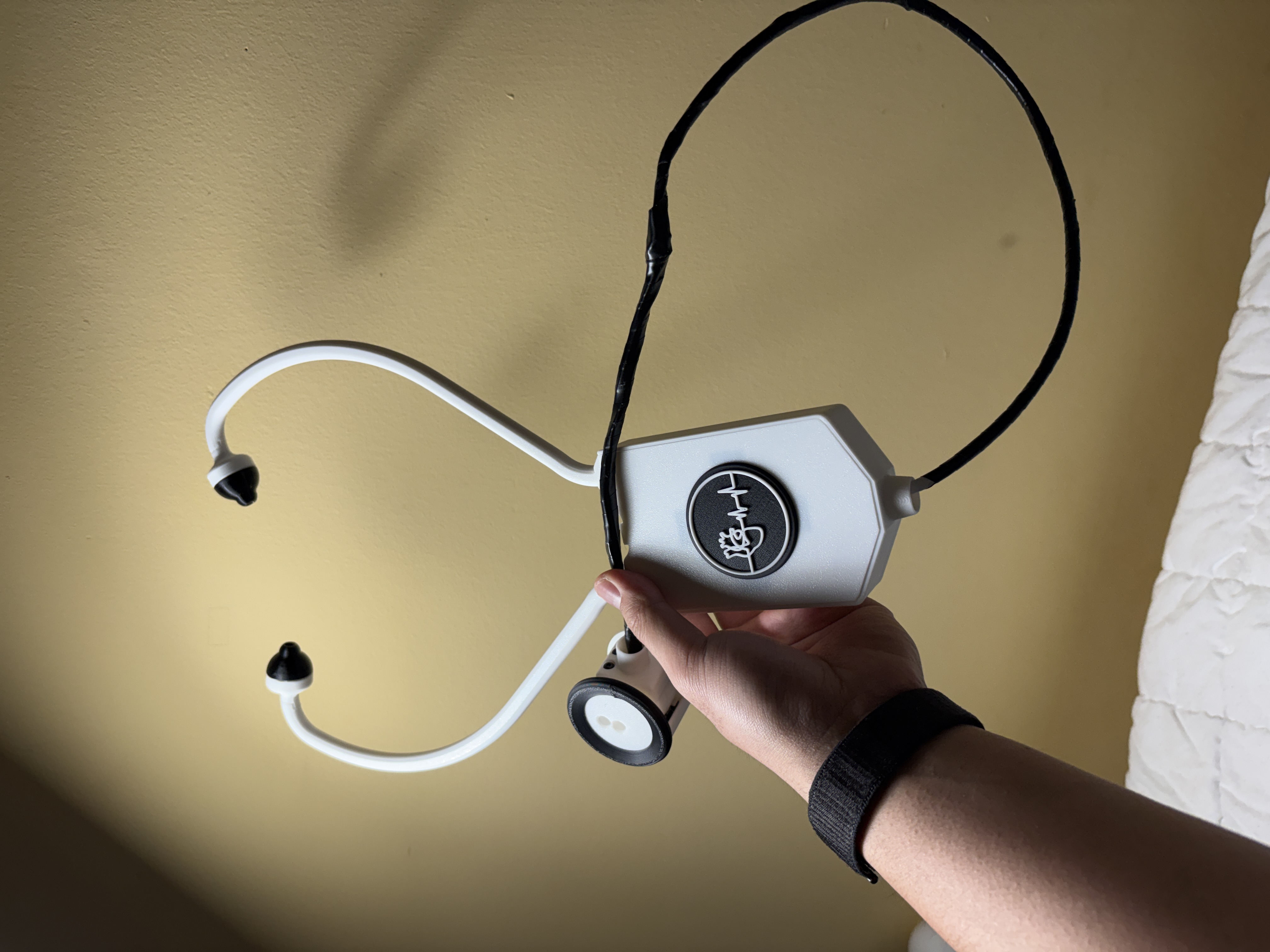
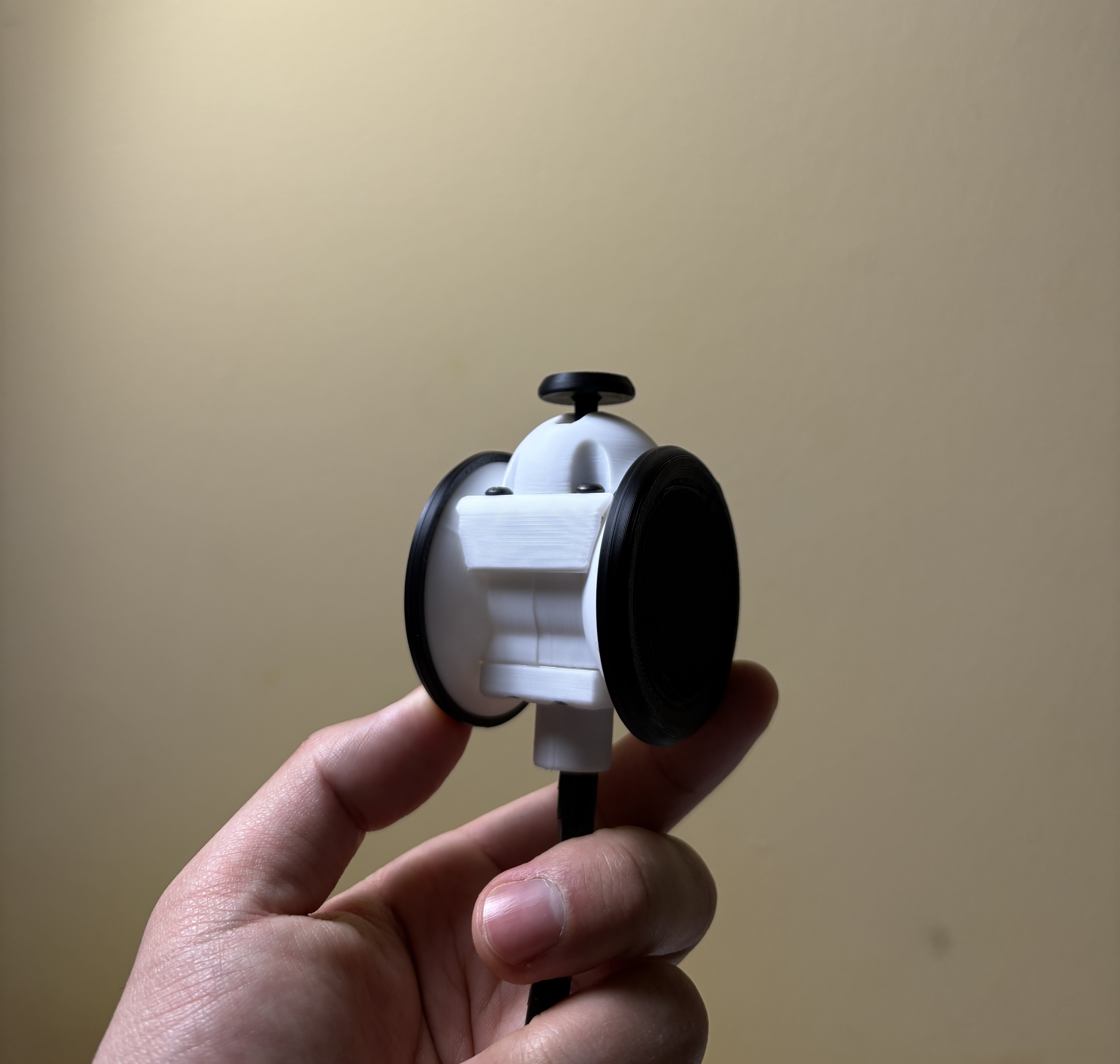
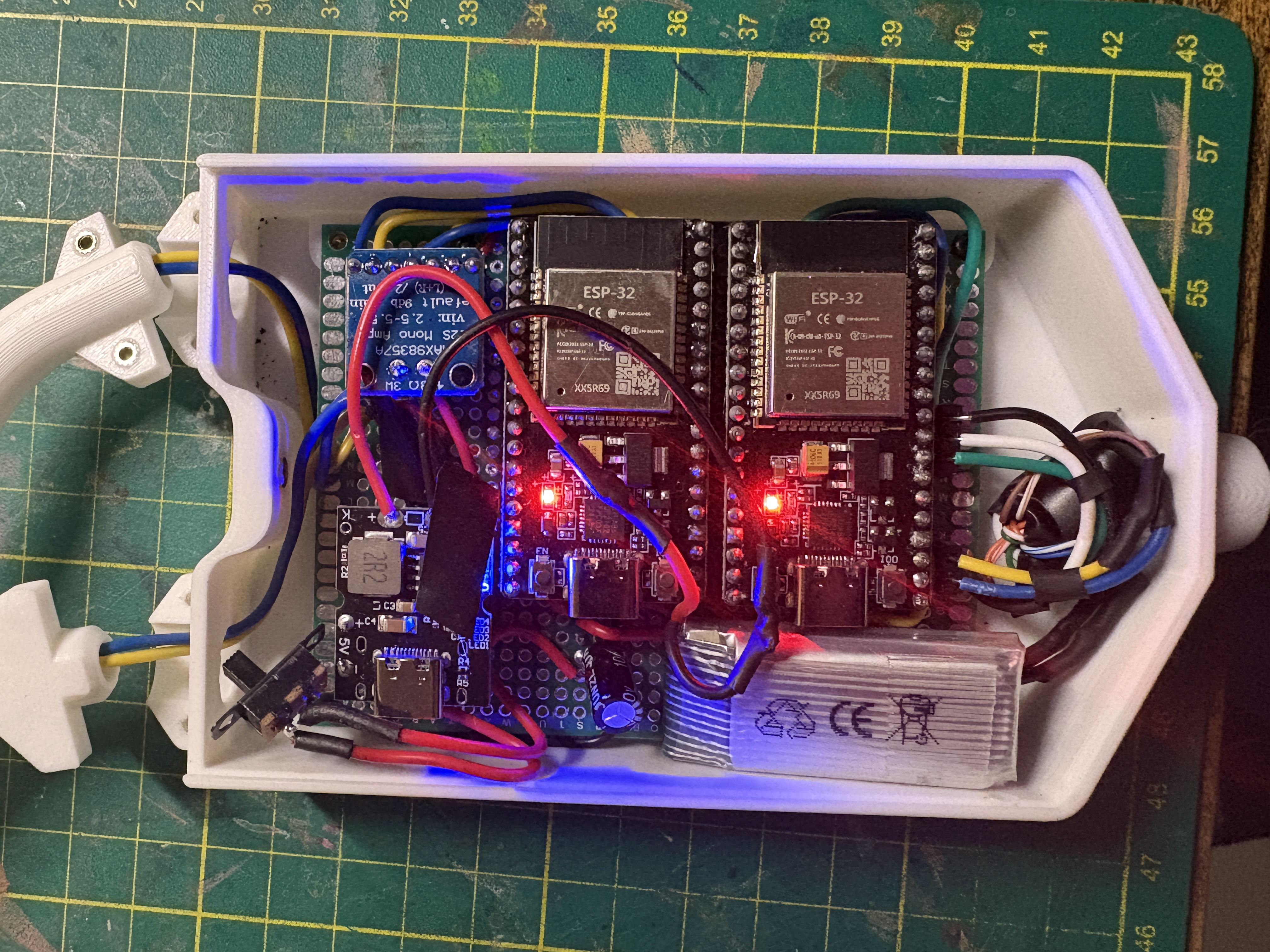
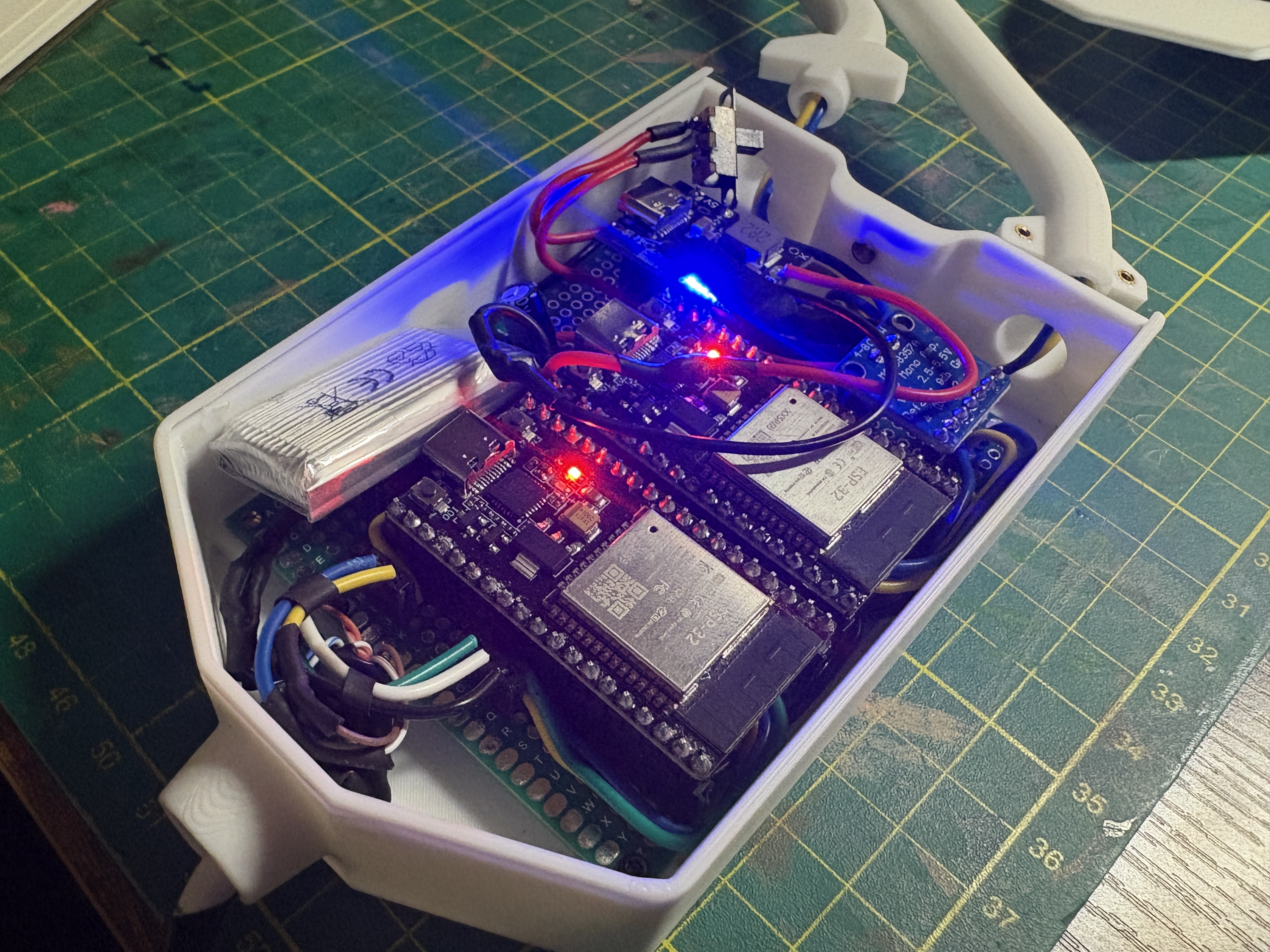
Stethoscope, CAD
Pen plotter, CAD
Component List
Board
ESP32 Devkit C3 *2
Sensor & Output
MPU6050 *1
Joystick Moduel *1
8ohm Speaker *2
MAX98357 I2S Amp *1
Power Supply
3.7V Li-Po Battery 400maAh *1
DWEII 5V 2A Step-up Charging Converter *1
Final Playtest
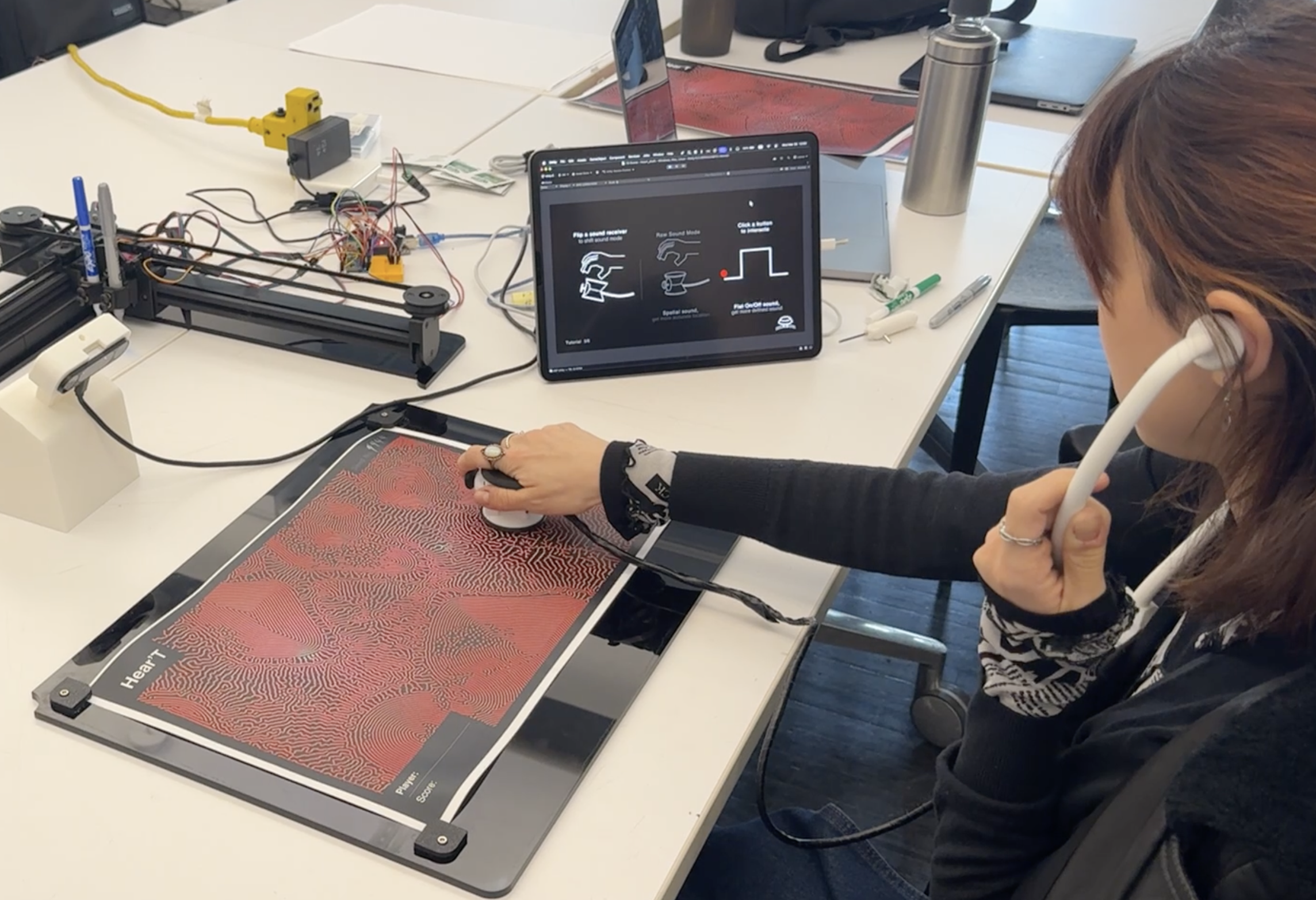
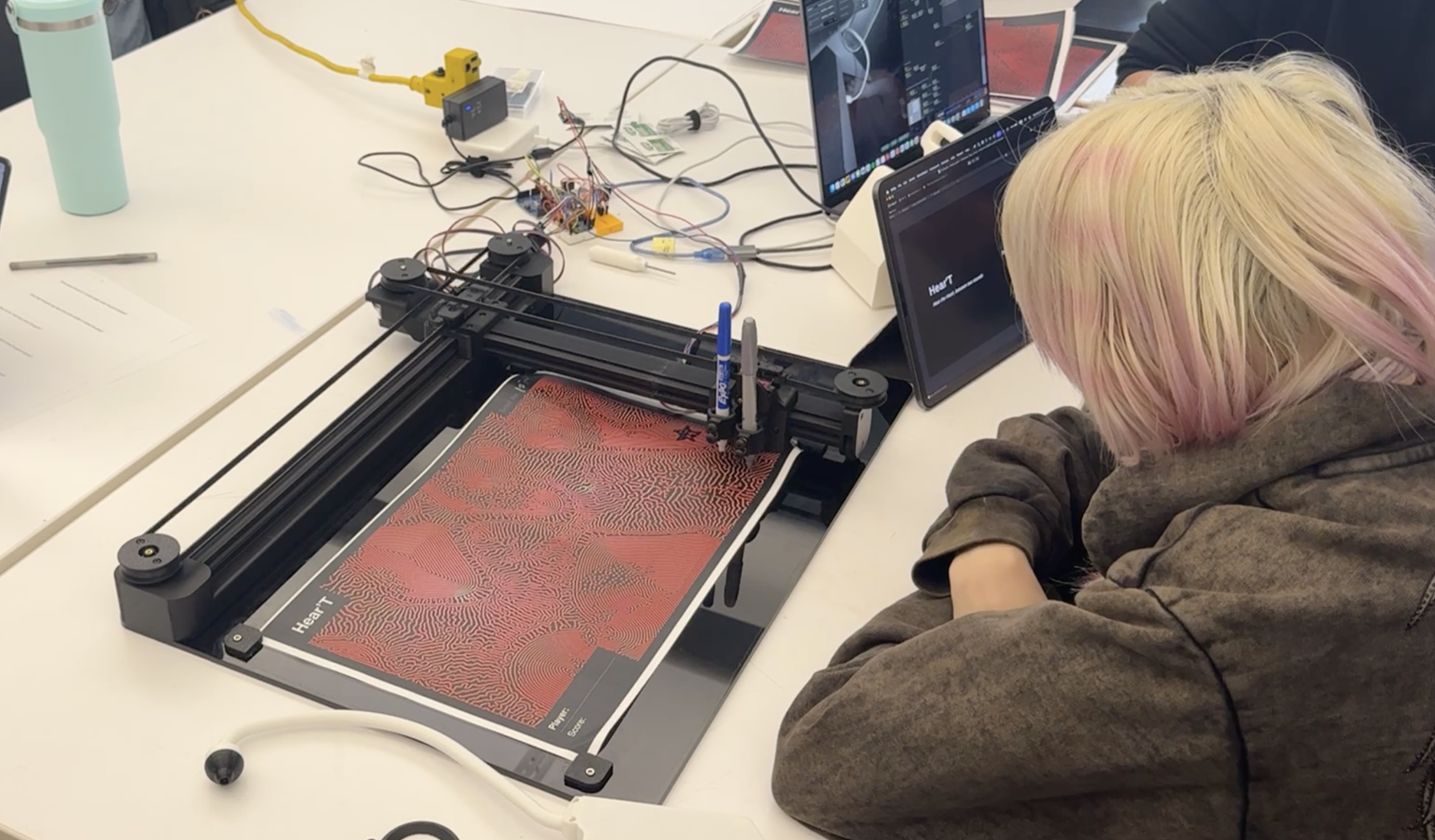
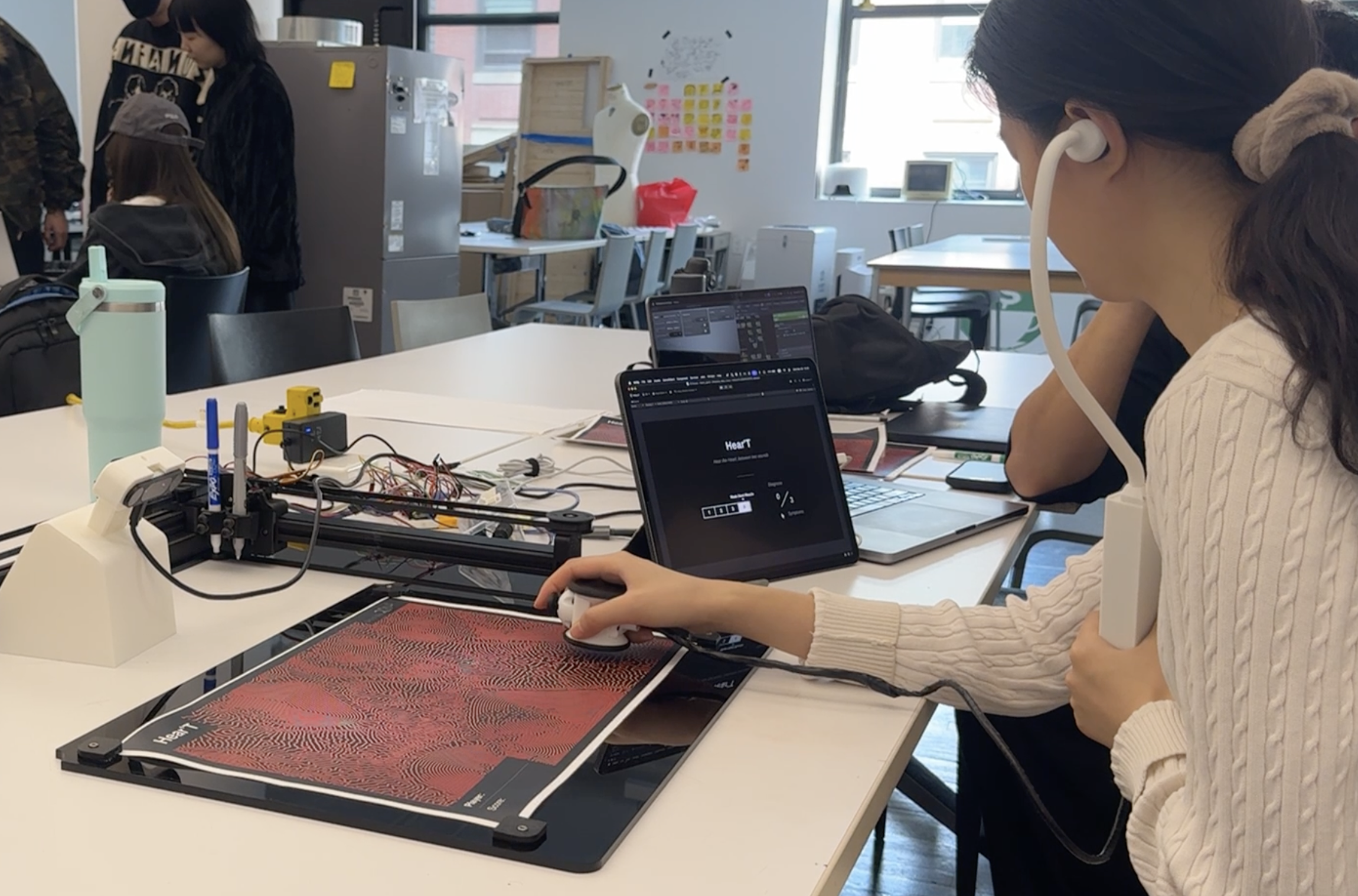
Received Feedback
The most positive feedback we received was, “I want to play it one more time.” When we were preparing the project, we expected that it would only support one time play because the educational message was quite strong. However, most players felt that the game itself was fun to play.
At the same time, we also received feedback that the onboarding process definitely needs improvement. Too much information was given at once, and this became something that interrupted the player’s immersion. At the very beginning, the tutorial had 19 pages, and we reduced it to 6 pages by keeping only the core content. However, the amount of information on each page was still more than necessary.
We also received feedback that the converted sound was not intuitive enough. It was supposed to help players understand heart murmurs more easily, but we believe that the cause of each symptom and the sound were not connected clearly enough. In the first prototype, we provided four example sounds for each symptom so that players could choose by themselves. However, we decided to provide randomly selected converted sounds because we thought the tutorial stage became too long. Since the player’s understanding is the real standard for how intuitive the sound is, it seems necessary to add the example sound feature again.
Possible Improvements
-
Simplifying the technical setup
The technical preparation required to start the game is too complex and takes long
-
Improving hand tracking
Overload in Leapmotion 2, the hand tracking stops working after few rounds. This is critical problem for the experience.
-
Improving the converted sound design
The current converted sound doesn’t immediately make the player think, ‘Oh, this must be this symptom.’ More refined sound design is needed
-
Refining the tutorial process
Too much informaton is concentrated in the tutorial stage. The onboarding process would be smoother if the game used more separated levels or stages.
Role
Minkyu Kim
- Project Lead
- Creative Technologist
- Hardware Fabrication
- Unity Developer
- Touchdesigner Developer
- Motion Graphics Designer
- Data Com System Design
- Video Editor
Mick Griffin
- Creative Technologist
- Touchdesigner Sound Engineer
- Graphic Designer
Russell Ge
- Unity Developer
- Playtesting Documentation
Brian Ba La
- Unity UI/UX Assistant
- Playtesting Documentation
Personal Contribution
Project Management
- Core idea & logic development
- Built the project timeline
- Assigned team roles
- Documentation via Figma
Prototyping
- Designed circuits
- Fabricated hardware prototypes
- Built a custom pen plotter
Unity
- SPP serial communication structure
- Tutorial & Game UI/UX
Touchdesigner
- Leapmotion 2 hand tracking
- UDP communication structure
- Supported heart beat sound network
Graphic Design
- Tutorial animations for Unity
- Edited the video documentation